Tag Harmonization — Workflow Notebook
Process steps: ingest docs → convert to semantic library → deterministic functional descriptions → embeddings → functional equivalence matching → name harmonization overlay → label/alias.
Process Step 1 — Document ingestion
Ingest two asset documents. We record document size/complexity as experiment metadata.
Process Step 2 — Convert to semantic model (choose library)
Convert docs into a selected semantic library. For now: deterministic mock conversion for CIM / MTConnect / CoT to test each independently.
Process Step 3 — Functional descriptions (deterministic)
Generate deterministic per-signal functional description text from the selected semantic library. This is the text we embed (functionality-first).
Math (cosine similarity)
Process Step 4 — Embeddings (choose model)
Create one embedding per signal from the Step 3 functional text. You can use mock embeddings (deterministic) or an OpenAI-compatible embeddings endpoint.
Process Step 5 — Harmonize (functional equivalence → global matching)
Match by functional equivalence first (no canonical/renamed labels used). Then compute name-harmonization as a separate overlay: vendor-name vs canonical-name.
Diagram (blocking → retrieval → global match)
flowchart LR
  A[Asset A signals] --> F{Family blocking}
  B[Asset B signals] --> F
  F --> C[Top-k candidate retrieval]
  C --> S[Composite scoring]
  S --> M[Global matching (1:1 + null)]
  M --> H[Name harmonization overlay]
Process Step 6 — Canonical name overrides (post-match overlay)
Update canonical/display names per asset signal. This affects name-harmonization only (downstream alias layer), never functional equivalence.
Tip: after saving overrides, re-run Step 5 to see canonical-name harmonization improve.
Charts
Server-rendered run summaries.
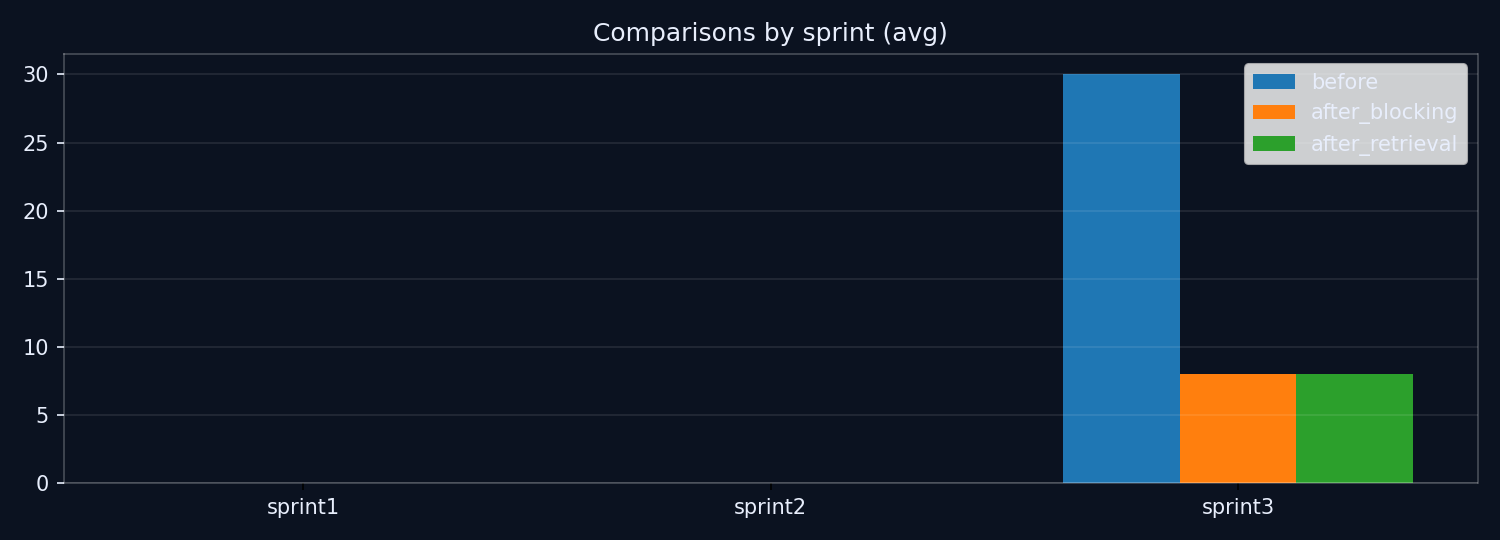
(Chart title will be updated to process-step wording next.)